TESA SMARTair Connection Guide with Mangobeds
Connect your TESA SMARTair server to Mangobeds so guest PINs are created, updated and cancelled from the booking, with no new hardware.
Search
Search across the blog, the documentation, the product updates and the customer stories.
11 results for “Smart Locks”
Connect your TESA SMARTair server to Mangobeds so guest PINs are created, updated and cancelled from the booking, with no new hardware.

This release adds seven new payment providers, no-code automation with Zapier, Make and n8n, embeddable retreats, monthly bookings and a currency picker in the booking form, plus a long list of improvements across the calendar, guest portal, invoicing, coupons, and the API.

This release brings two-way messaging for Coliving.com bookings, smart lock key access codes, seasonal long-stay discounts, a shareable bookings calendar, and a long list of improvements to bookings, booking forms, invoicing, housekeeping, and reporting.
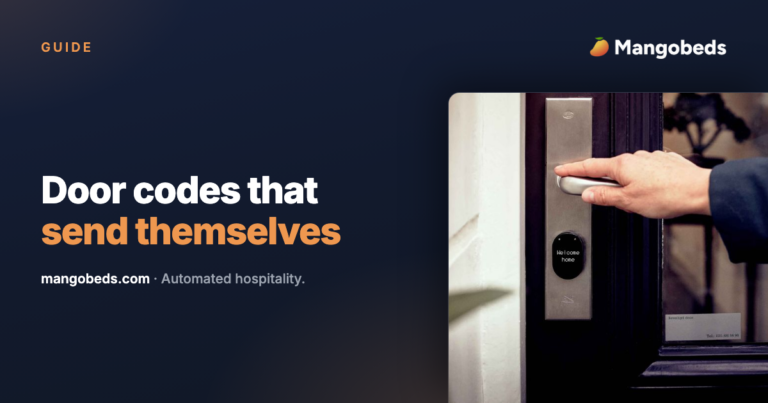
Learn how to manage smart lock keys and access codes in Mangobeds. Assign digital keys per unit, track validity dates, and send them automatically to guests via email templates.
Connect TTHotel, TTLock’s hotel software, to Mangobeds so every booking gets its own door code for the exact stay, changed and revoked automatically.
Connect RemoteLOCK Japan to Mangobeds in one sign-in, with no API keys, and give every booking its own PIN for your real check-in and check-out hours.
Track keypad codes, lockbox combinations and door keys in Mangobeds without any smart lock hardware, and send them to guests automatically.
Connect YACAN to Mangobeds in one sign-in, with no API keys, and let every booking get a PIN valid for your real check-in and check-out hours.
Connect Inlet to Mangobeds with a single API token and cover Salto, ASSA ABLOY, Dormakaba, EVVA and a dozen more lock systems at once.
Connect Flexipass to Mangobeds and issue mobile keys for ASSA ABLOY, Salto and Dormakaba locks without replacing your hardware.
Connect your TTLock account to Mangobeds so every booking gets its own door code, created before check-in and revoked automatically.