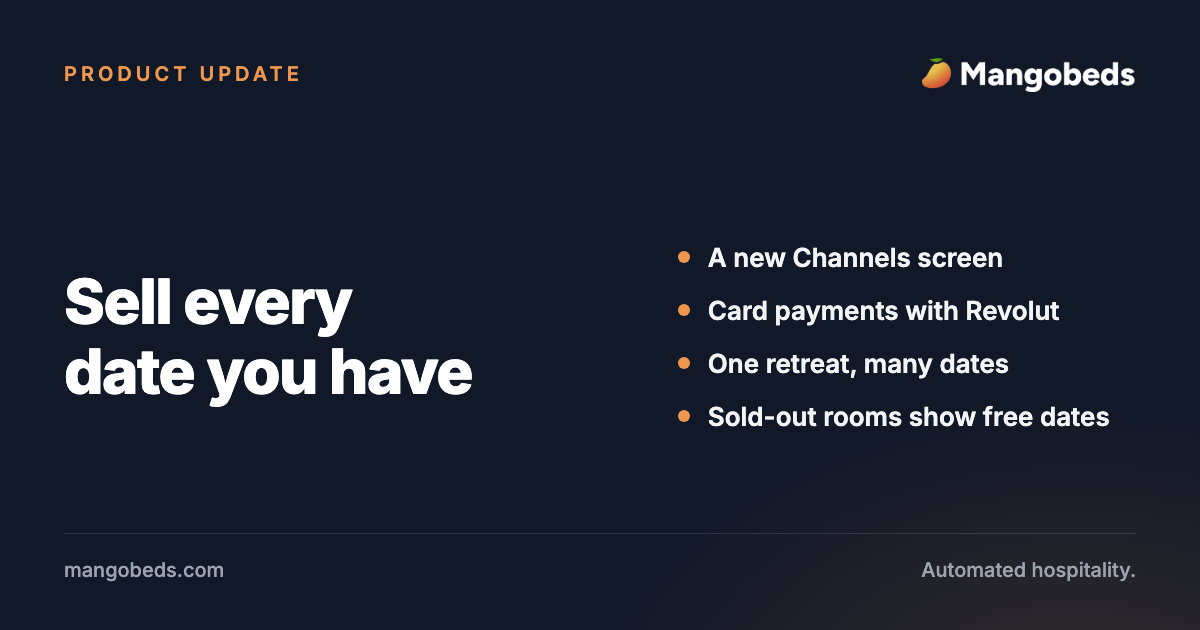
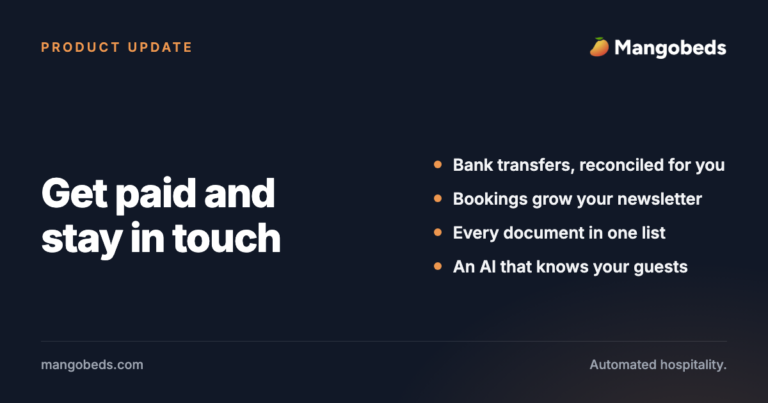
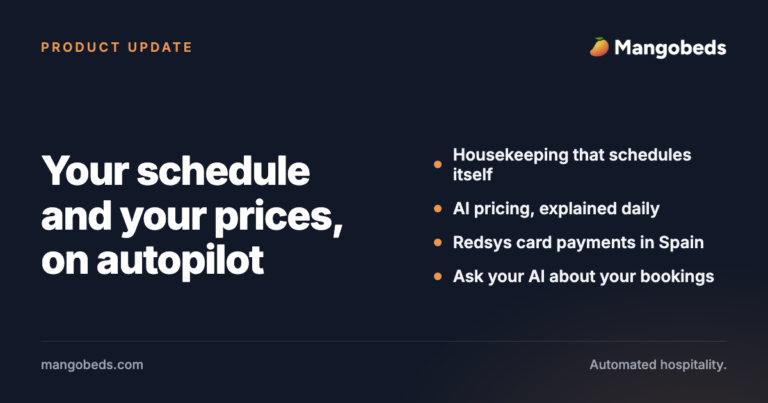
One retreat host told us they were copying the same retreat once for every week it ran, just to sell more than one set of dates. That message shaped a good part of this update: a retreat now holds all of its dates, and booking one walks the guest through it step by step. Alongside it, you now connect your channels from a brand-new screen inside Mangobeds, Revolut joins your payment options, a sold-out room shows guests when it is free instead of ending their search, and the calendar tells you who has paid at a glance. Then a long list of improvements across booking forms, payments, channels and emails.
A brand-new Channels screen
Connecting Booking.com, Airbnb, Expedia, Hostelworld, Agoda, Trip.com, VRBO, Check24, Hopper Homes or Google Hotel Search now happens right inside Mangobeds. Pick the channel, prove the connection with one click, and point each of the channel’s rooms at your accommodation. Prices per guest, rates and occupancies are matched up for you, and everything speaks your accommodations’ names instead of channel jargon.
Airbnb gets its own listing view, with price adjustment and a “See listing” link per listing. Below the channel picker, more than 40 other channels, from Hotelbeds and Traveloka to Hipcamp and GlampingHub, are one click away: pick one and we switch it on with you. Each channel screen also links its own connection guide.
More: Mangobeds Channel Manager: Sync Airbnb, Booking.com and more
Run the same retreat on as many dates as you like
A retreat is now one page with all of its dates on it. Write the description, add the photos and set the prices once, then list every week it runs. Guests pick the dates they want right on the booking form, and each set of dates has its own availability, so a fully booked week never hides the others. You can close a single week without touching the rest.
Booking a retreat now follows the same three steps as your booking forms: dates and room, then extras, then the guest’s details. Guests see one thing at a time and can step back without losing what they picked.
More: Managing Retreats in Mangobeds
Take card payments with Revolut
Properties in the UK, Europe and the United States can now connect their own Revolut Business account and collect deposits and payment links through Revolut’s checkout: cards, Revolut Pay, Apple Pay, Google Pay and Pay by Bank. The money lands in the Revolut account you already use. Paste your two API keys and Mangobeds sets up the rest for you.
More: Revolut Connection Guide with Mangobeds
A sold-out room no longer ends the search
When a guest’s dates are booked out, they now see the room anyway, greyed out below the available ones, with a “Show availability” button that opens its calendar right there so they can pick dates that work. If a search finds nothing at all, this happens on every form, so “no availability” turns into a list of rooms and the dates they are free. Want it on every search? Tick Show Sold Out Accommodations in the form’s Appearance settings.
Search results also match the size of the group now, and properties that price by the room can hide the guest count from the search bar altogether, so every room stays in the results.
More: Getting Bookings from Your Website with Mangobeds
Tell the guest when you change their booking, or don’t
Editing a booking now offers a “Send email to guest about changes” tick in the confirmation dialog. Leave it alone and nothing is sent, as before. Tick it and the guest gets an email listing what actually moved (check-in, check-out, room, extras, total), and a copy is saved to the booking’s communications so you can always see what they were told.
More: Managing Bookings in Mangobeds
See who is paid up without opening a single booking
Turn on Payment status in the calendar’s Filter menu and every reservation gets a coloured stripe along its bottom edge: green when it is paid in full, amber when part of it is still owed, red when nothing has come in. The bar keeps its usual colour, so you read the booking status and the money owed in one glance. Part-paid bookings now show an amber badge everywhere, and a monthly stay that is up to date reads as paid on the badge, the calendar and the new bookings count alike.
More: Managing Payments and Money in Mangobeds
Every guest across a property group in one place
Property groups now have a Guests page: total, new and returning guest counts for the whole group, one searchable list of every guest from all its properties (with a column showing where they stayed), and a CSV export across the group.
More: Group Your Properties for a Better Overview
Other fixes and improvements
Booking forms: Preview, Add to my website and Delete sit together in one Actions menu, required fields carry an asterisk, saving shows a small toast instead of a browser alert, a discount code shows what it is worth, the guest count you searched for is already picked, room capacity reads “Max capacity: 4 guests”, the availability calendar says what it is for, and a guest whose option sells out while they choose gets a plain message to reload.
Look and feel of your forms: Notices share one style, cards no longer lift on hover, accommodations and retreats use one photo card that stays the same size, and short extras lists no longer repeat a “Next step” button on every card.
Retreats: Your retreats list leads with each retreat’s photo and upcoming dates, sorted by what runs next, dates read “20 Sep 2026 to 26 Sep 2026” everywhere, and the photo at the top of a retreat page always keeps the same height.
Channel Manager: Channel cards count your accommodations instead of internal rates, Airbnb listings are matched to your accommodations by name with the same price adjustment as every other channel, the empty Channels screen matches the rest of Mangobeds, and the integrations page only lists channels we can really connect, each card going somewhere.
Coliving.com: Rooms you assign by hand stay assigned, a booking follows its room when a guest is moved to another of your properties, and an overlap alert arrives once instead of every night.
Payments: Guests paying through PayPal land straight on a card form with no PayPal account needed, recording the next monthly payment is one click, “payment received” emails arrive only once a payment has gone through, “Set total price” saves exactly the number you typed, one room of a multi-room stay can be priced on its own, and price fields fit high-denomination currencies.
Calendar and bookings: Long stays read in months, a couple’s booking shows both names, the New bookings panel shows which room was taken, bookings open faster and in the same tab, new invoices appear on the booking right away, and extras added to a booking get the right quantity.
Emails and documents: Booking details arrive in guest emails as a clean two-column table, every email can carry your logo or a header banner, and you get an email the moment a guest signs a contract or uploads a document.
Help and AI: Ask ChatGPT or Claude about the docs with one button under the docs search, and AI assistants now see a one-line summary of every guide, so they open the one that answers your question.
Everywhere else: Signing in shows exactly where your magic link went, the sign-in box sits centred, every app opens on a clear welcome screen, Insights opens for every property, Recents names every app you open, plan prices read neatly in every currency, maps show just your properties, the subscription reminder fits on one line, and a broken link lands on a friendly page (resident cat included).
Keep reading
Conclusion
Channels you connect yourself, a new way to get paid, and retreats you set up once and run all year: less copying and checking, more time for your guests. Keep the messages coming, many of these changes started with one.